

|
Can You Spot a Scam
Before It’s Too Late?
Learn how to recognize the warning signs and stay safer online.
|
|
|
|
|
Scams are everywhere.
Every day, people and businesses are targeted by phishing emails,
fake text messages, suspicious phone calls, impersonation scams,
compromised passwords, and other online threats.
And scammers are getting better at making those messages look legitimate. Even large companies with dedicated IT and cybersecurity teams experience breaches, scams, and compromised accounts. No one can promise that you’ll never click the wrong link or encounter a convincing scam. |
|
|
|
|
You Don’t Have to Be a Cybersecurity Expert
At Giga Systems, we don’t claim to have all the answers.
But after years of working with technology and helping people and
businesses solve IT problems, we know a thing or two about the
everyday threats people face — and the simple steps that can help
reduce risk.
Sometimes a few simple changes can make a big difference. That’s why, in recognition of Cybersecurity Awareness Month, Giga Systems is offering a special throughout October. |
|
|
|
|
We’ll Customize the Presentation for Your Audience
|
|
|
Community & Senior Groups
A presentation for a senior or community group might spend
more time discussing:
✓ Common phone, text, and email scams ✓ Impersonation scams ✓ Suspicious requests for money ✓ How to verify who you’re really talking to ✓ Warning signs that something isn’t right ✓ Simple ways to stay safer online |
|
|
|
|
|
Businesses & Employees
For a business or professional organization, we can focus more on:
✓ Recognizing suspicious or fake emails ✓ Phishing links and attachments ✓ Stronger password habits ✓ Password managers ✓ 2FA/MFA and protecting online accounts ✓ What employees should do when something looks suspicious |
|
|
|
|
Presentation Details
Who:
Businesses, civic organizations, community groups, senior groups,
and other local organizations.
Length: up to one hour, including examples, discussion, and time for questions. Cost: Normally a $150 value — FREE during October. |
|
|
|
|
Schedule Your FREE October Presentation
Don’t miss this Cybersecurity Awareness Month special.
|
|
|
We’ll handle the tech – so you can focus on your business.
|
Password Security for Business
Are Your Business Password Habits Putting Your Company at Risk?
Passwords protect your business, your customers, and your data. The right password habits can make your organization safer without making everyday work harder.
As businesses grow, password management can get complicated quickly. Employees need access to more accounts, credentials get shared, and passwords may end up in spreadsheets, text messages, notebooks, browsers, or sticky notes.
Improving password security does not have to make your team’s work more difficult. In fact, the right approach can make passwords safer, easier to manage, and easier to share securely.
3 Common Password Habits That Can Put a Business at Risk
📨
Sharing Passwords Insecurely
Sending passwords by email or text can leave credentials sitting in messages long after they were needed. Spreadsheets and shared documents can create similar risks.
🔁
Reusing Passwords
One exposed password can put several accounts at risk when the same password is reused across multiple services.
👥
Not Knowing Who Has Access
Shared logins make it harder to know who can access what—especially when employees join, change roles, or leave the company.
Strong Passwords Are Only Part of the Solution
Good password security is about more than simply making passwords longer or more complicated.
Unique Passwords
Use a different strong password for every account.
2FA / MFA
Add another layer of protection when signing in.
Passkeys
Use secure passwordless sign-in where supported.
Password Manager
Securely store, organize, generate, and share credentials.
A Password Manager Shouldn’t Become Another IT Project
Choosing password-management software is only one part of the process. It still needs to be configured around how your business actually works.
✔ Recommend the right setup
✔ Organize and migrate credentials
✔ Configure users and permissions
✔ Train your team
✔ Help with onboarding and offboarding
✔ Provide ongoing support
September Special
Free Password Security Consultation
We’ll talk with you about how your business currently stores, shares, and manages passwords, help identify potential risks, and discuss password-management options that may fit your needs.
You don’t need to show us your passwords.
Call 405-877-9090 Email Giga SystemsWe’ll handle the tech — so you can focus on your business.
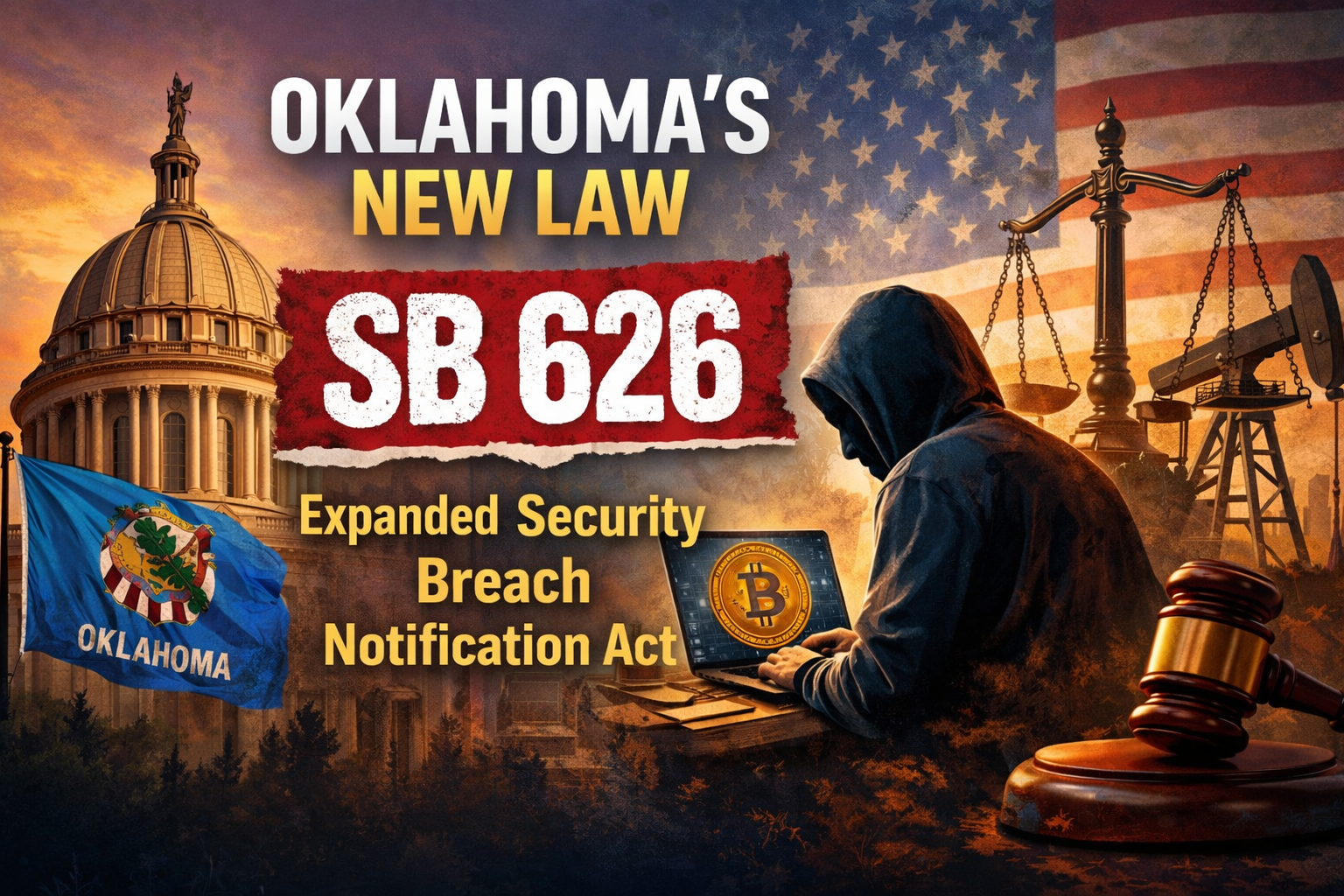
Oklahoma has passed a new law, Senate Bill 626 (SB 626), which went into effect on January 1st of this year. This law updates how businesses must respond if personal information is exposed in a data breach. The goal of the law is straightforward: to protect people’s personal information and ensure businesses respond responsibly when issues occur.
🔐 What Is SB 626?
SB 626 updates Oklahoma’s existing data breach rules. It applies to any business or organization that handles personal information for Oklahoma residents. The law addresses the following:
- What information businesses are responsible for protecting
- Who must be notified if data is exposed
- The importance of having basic security practices in place
👤 What Information Is Protected?
The law expands what counts as sensitive personal information. If this type of information is exposed, businesses may be required to provide notification. Protected information includes:
- Social Security numbers
- Login usernames and passwords
- Financial account access information
- Biometric data such as fingerprints or facial recognition
📬 What Happens If There’s a Breach?
If personal data is compromised, businesses are required to notify affected individuals within a reasonable time frame so they can take steps to protect themselves. If a large number of people are affected, the Oklahoma Attorney General must also be notified.
The good news: SB 626 is not intended to punish businesses that make a reasonable effort to protect customer and employee data. Instead, the law recognizes and supports businesses that take practical steps to maintain secure systems and respond appropriately if an issue occurs.
🏪 What This Means for Small Businesses (and What You Can Do Now)
Simple preventative measures can both improve security and help reduce potential penalties in the event of a data breach. These steps include:
- Keeping computers and software up to date
- Using antivirus and other security tools
- Training employees on basic cybersecurity awareness
- Using strong passwords and proper access controls
- Having a basic plan in place in case a security issue occurs
Regardless of the law, implementing these practices now helps protect your business immediately. In addition to supporting compliance, these steps can reduce downtime, prevent data loss, and minimize operational disruptions.
✅ The Bottom Line
SB 626 is about being prepared, transparent, and protecting trust.
Most businesses don’t need major changes—just good security habits and the right support.
📞 How Giga Systems Can Help
Giga Systems helps businesses stay secure and prepared by providing system monitoring, security updates, antivirus protection, and managed IT services. If you would like assistance reviewing your current systems or improving your security posture, our team is here to help.

As the year comes to a close, all of us at Giga Systems want to take a moment to wish you and your family a Happy Holidays.
The holidays are a time to reflect, recharge, and spend time with the people who matter most. As you enjoy the season, know that we remain committed to providing reliable technological solutions that help your business succeed—now and into the new year.
From all of us at Giga Systems, we wish you a joyful holiday season and a happy, healthy New Year. We look forward to continuing to serve you in the year ahead.
Warm holiday wishes,
The Giga Systems Team
Does Your Business Have A Reliable Backup Solution?
Your Data Is Your Business
Think about it — your client files, invoices, emails, and databases are the core of your operations. If that data disappears, how long could your business function?
Data loss doesn’t just happen from cyberattacks. It happens every day from:
- 💻 Hardware failures
- 🧍 Human error
- 🦠 Malware or ransomware
- ⚡ Power surges or natural disasters
- 🧩 Software glitches
Without backups, a single event can mean lost revenue, downtime, and customer trust.
💡 Still Running Windows 10?
Since Microsoft has officially ended support, those systems no longer receive critical security updates — making backups doubly important. One ransomware attack or system crash could wipe out your data for good.
📉 The Real Cost of Data Loss
60% of small businesses close within 6 months of a major data loss.
Even one day of downtime can cost thousands — in lost sales, productivity, and reputation.
🛠️ What Makes a Strong Backup Plan?
A great backup solution is more than just saving files once in a while. It should include:
- ✅ Automatic backups — no one has to remember
- ☁️ Offsite or cloud copies — safe from local disasters
- 🔒 Encryption — keeps your data secure
- 🕓 Version history — restore older versions if needed
- 🧪 Regular testing — so you know recovery really works
🔐 Don’t Wait for a Crisis — Giga Systems Can Help!
The best time to plan for a data emergency is before it happens. Giga Systems can help you design a backup and recovery plan tailored to your business — local, cloud, or hybrid.
Let’s protect your data, contact us today to schedule a consultation!
🌐 https://gigasystems.com
📧 in**@*********ms.com
Scammers are getting harder and harder to identify. Scammer are now using AI to come up with scams that are looking increasingly more legitimate, costing victims thousands of dollars every day. One of the ways to protect yourself from scammers is by staying alert and protecting yourself with these important tips:
❗ Be skeptical of unexpected contact. Always verify requests independently, especially when they involve personal or financial information.
⚠️ Red flag alert: Be cautious with urgent requests. Scammers create a sense of panic to trick you into acting fast and often will ask for payment via Bitcoin, Gift Cards, etc… – it’s almost certainly a scam if they don’t give you time to think.
🔒 Ways to protect yourself:
- Think before you click. Hover over links to see where they really lead before clicking, as scammers often use addresses that look legitimate but have small errors.
- Never share passwords via email. Legitimate organizations will never ask for them.
- Verify unexpected attachments. Call the sender to confirm before opening.
- Use multi-factor authentication (MFA). Even if your password is stolen, MFA adds another security layer.
- Keep software up to date. Updates often include patches for known security vulnerabilities.
- Look for HTTPS. Ensure websites are secure before entering any sensitive information.
- Don’t trust pop-up warnings. These can be fake alerts prompting you to install malware or call a scammers phone number.
- Avoid public Wi-Fi for sensitive transactions. Use a VPN when you’re on an unsecured network.
- Use strong, unique passwords. This limits damage if one account is compromised.
- Educate employees and family members. Awareness is your first line of defense.
- Report suspicious messages. Notify your IT team or service provider immediately.
- Trust your instincts. If something feels off, it probably is.
- Use a family password. This will protect your family from scammers and AI generated voices that sound like a loved one.
Cybercriminals are always looking for new ways to trick you — but with vigilance and smart practices, there are ways to try to stay one step ahead. 🔐
❗ Need Help
If you need help with some of the tips, we have services that can help. Our IT Management service will help keep your software up to date and more. Our Password management service can help you generate strong passwords and will even act as an authenticator to manage MFA and Passkeys.
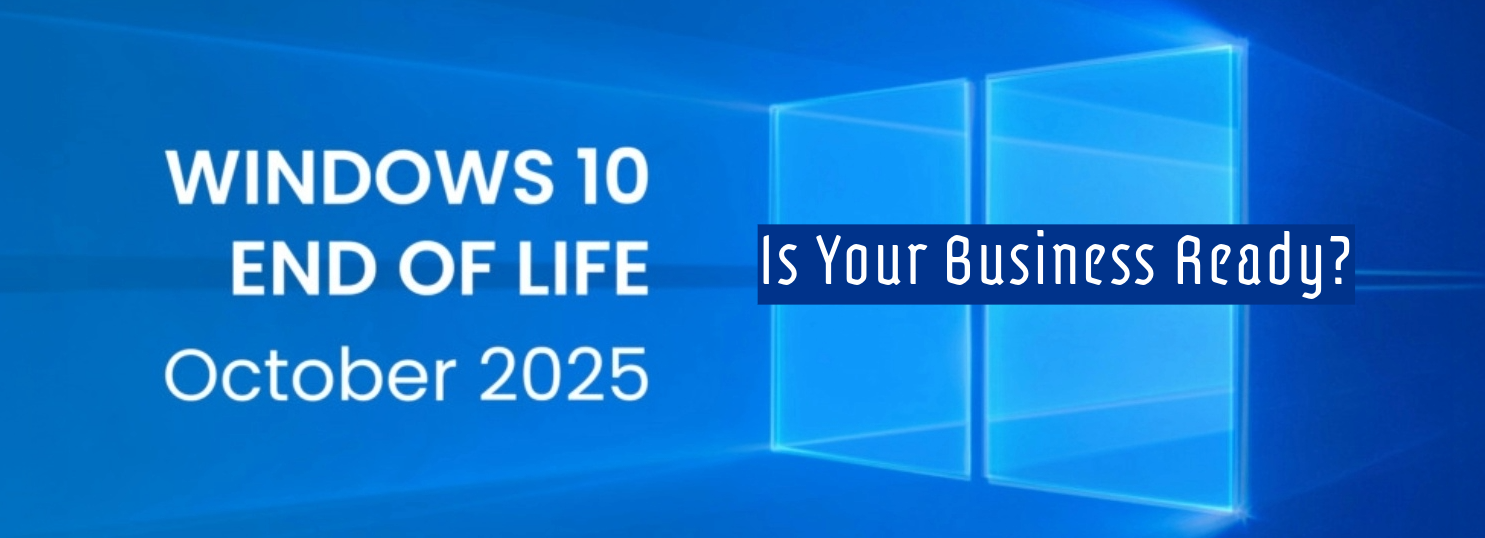
🚨 Microsoft is Ending Support for Windows 10, Office 2016 & 2019, Skype Business Server, and Windows Server 2012, and more🚨
If you didn’t already know Microsoft is retiring support, also known as the end of life (EOL) for the below widely used products in October of 2025. If your business still relies on any of the following, now is the time to start planning your upgrade or transition strategy.
Products Reaching End of Life:
- Windows 10 (All Editions)
- Microsoft Office 2016 & 2019
- Microsoft Exchange Server 2016
- Skype for Business Server 2019
- Windows Server 2012 / 2012 R2
Why End of Life Matters:
After the end-of-life (EOL) date, Microsoft will no longer be providing free security updates, patches, or technical support, which will put your systems at serious risk of vulnerabilities, compliance issues, and performance problems.
Need help coming up with a transition strategy? We Can Help.
Whether you’re facing hardware compatibility challenges with Windows 11 or need help transitioning away from Microsoft platforms, Giga Systems has you covered.
Fortunately, there are several options. You can pay for one year of extended support from Microsoft. If your system hardware is compatible, we can help you upgrade to Windows 11. We can get you a new system that runs Windows 11. Or we can need help you transition away from Microsoft and switch you to a Linux operating system, providing the software you need for your business is compatible with Linux. No matter what you decide, Giga Systems has you covered.
Don’t wait until it’s too late. Let Giga Systems help you stay secure and future-ready.
| Spend More Time Growing Your Business by Letting Us Handle Your Network Needs Giga Systems is excited to introduce our new IT Management Service, designed to give your business peace of mind when it comes to managing and securing your network. In today’s fast-paced digital world, staying on top of network performance and cybersecurity can drain valuable time and resources. Which is why our IT Management Service includes access to programs designed to monitor your computer for antivirus/malware, manage important system updates, plus monitoring your computers for suspicious activity, so you can focus on what matters most: running your business. Key Benefits:
Managing IT systems on your own can be complex, time-consuming, and risky. Our service is tailored for small to mid-sized businesses looking for reliable, affordable protection and simplified network management—without the need for in-house IT staff. Let us handle the tech—so you can focus on your goals. Want to learn more or schedule a free consultation? |
It’s late in October, with less than a week until November. Where did the year go? While I try to figure that out, did you know that since 2004, the President of the United States and Congress have declared October to be Cybersecurity Awareness Month? This month is dedicated to encouraging the public and private sectors to work together to raise awareness about the importance of cybersecurity.
What is Cybersecurity?
You’ve probably heard the term “cybersecurity,” but you might not know what it means. Cybersecurity is about protecting important information and maintaining productivity. It involves a variety of technologies and practices designed to defend against cyberattacks, which can aim to access, change, destroy, or hold sensitive information hostage while demanding ransom.
What Steps Should I Take to Secure My Data?
While cybersecurity is constantly evolving, there are some simple steps you, as the user, can take to help safeguard your data—none of which will cost you a dime. These methods include, but are not limited to:
- Using strong passwords.
- Enabling multifactor authentication (MFA/2FA) when possible.
- Using common sense:
- If a link looks suspicious in an email you’re reading, click the delete button.
- If a link on a website looks strange, click the exit button.
- Don’t engage with emails claiming you’ve won a free iPhone or that a long-lost prince needs your financial help to reclaim his title.
- If people you’ve never heard of call about your extended car warranty or claim there’s a problem with your computer, DO NOT give them any personal information.
Additionally, it’s essential to ensure your device’s software is up to date, back up all your data, and use antivirus/malware detection tools—something Giga Systems can help you with.
What Giga Systems Can Offer
Giga Systems provides a variety of services, from installing and configuring technology for office buildings to helping recover from major failures. One of our main goals is to prioritize security in everything we do while assisting our customers in creating real-world solutions for their networking, communication, and security needs.
In honor of Cybersecurity Awareness Month, we want to offer our network monitoring services to everyone. Giga Systems’ monitoring services will include antivirus/malware detection, help to ensure that all your devices stay up to date with all the necessary updates plus monitoring of your computers for suspicious activity.
Prices will depend on the number of devices you have and whether you would like to add remote or on-site support (availability for on-site support will depend on your location).
Example Pricing:
- For one single computer with just monitoring, the price starts as low as $20 a month. If you add remote support, the price becomes $40 a month, and you might be able to add on-site support for $60 a month, depending on your location.
- For ten computers with a server and on-site support available, the price for the month would be $720.
If you’re interested, please contact us by emailing in**@*********ms.com or call 405-877-9090 for a custom quote.